

Google Classroom

Google Classroom App Info
-
App Name
Google Classroom
-
Package Name
com.google.android.apps.classroom
-
Developer
Google LLC -
Category
Education -
Updated
2026/10/02
-
Version
3.68.991701869
Reviewer’s View
From a reviewer’s perspective, Google Classroom feels built for real teaching workflows, not just classroom messaging. The app connects learning across school and home with a steady, professional pace.
The onboarding experience is quick, which matters when teachers manage tight schedules, substitute coverage, or onboarding for new cohorts. In enterprise training environments, fast class setup reduces administrative overhead.
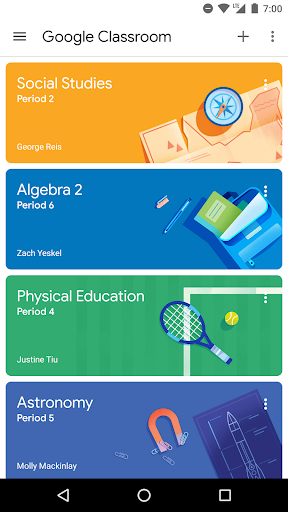
Classes come together through direct student adding or a join code, so you avoid long manual rosters. That simplicity is especially useful for subscription-based programs, district rollouts, and recurring learning cycles.
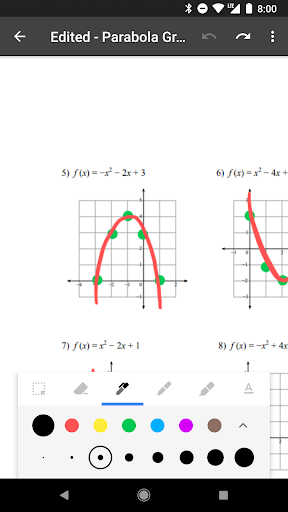
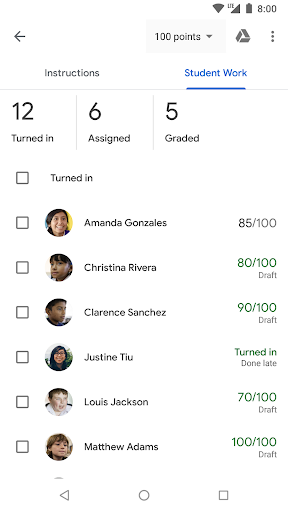
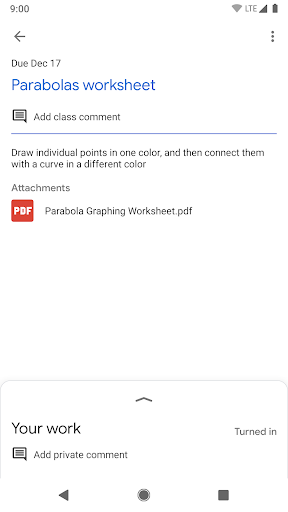
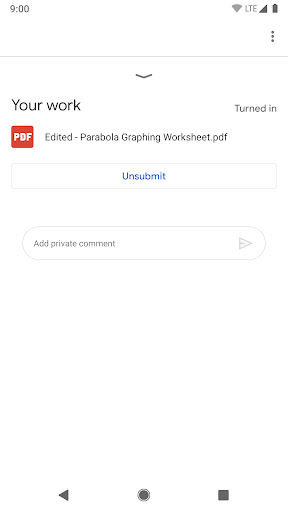
Assignment distribution is paperless and centralized, which directly impacts time-to-grading. Reviewers notice how quickly they can create, review, and mark work without switching between multiple tools.
Organization is one of the biggest strengths, because all class materials land in Google Drive folders automatically. For SaaS and digital documentation teams, that structure mirrors the clarity of well-run content libraries.
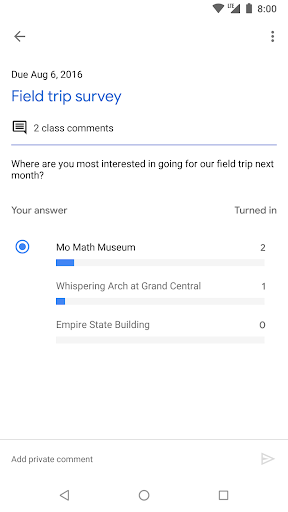
Communication also feels immediate, with announcements and discussion prompts that keep lessons active. In blended learning programs, this supports ongoing engagement and reduces follow-up friction.
Security is another reviewer highlight, since Classroom follows Google Workspace for Education practices and has no ads. That reduces compliance worries for schools and organizations that manage sensitive student learning records.
Permissions are explained clearly, including camera for posting media, storage for attachments and offline support, and accounts for choosing the correct profile. For IT administrators, transparent controls help with governance and secure deployment.
Top good points
1) Easy setup that supports fast onboarding, ideal for large classes, district rollouts, and ongoing subscription cohorts.
2) Paperless assignment workflow that speeds up creation, review, and grading in one place, reducing operational cost.
3) Strong organization through automatic Drive filing for documents, photos, and videos, improving retrieval and audit readiness.
4) Reliable communication with announcements and stream-based Q&A, supporting collaboration and reducing missed updates.
Not-so-good points
1) Camera and storage permissions may feel heavy for some schools, especially when strict device policies are required by administrators.
2) Offline support depends on configuration and available storage, so reviewers may see inconsistent results in low-connectivity situations.
3) The streamlined interface can limit advanced customization, which may frustrate instructors used to highly bespoke learning platforms.
4) Stream-based communication can become noisy in large programs, requiring moderation habits to keep discussions productive.
What’s new
1) Updates in the latest version focus on smoother assignment flows, helping teachers move from creation to feedback with fewer interruptions.
2) The app continues improving organization and access, making it easier to locate class materials and keep Google Drive folders consistent.
3) Performance improvements help discussions and announcements feel faster, which supports day-to-day teaching and review cycles.
4) Ongoing refinements to reliability enhance the overall classroom experience, supporting schools that treat Classroom as mission-critical infrastructure.


