

Video Call

















Video Call App Info
-
App Name
Video Call
-
Package Name
com.recommended.videocall
-
Developer
FORBIS s.r.o. -
Category
Communication -
Updated
2026/04/10
-
Version
1.5.6
1. Reviewer’s View
Video Call looks built for businesses and teams that need dependable, secure communication without draining mobile data. Setup is straightforward on Android smartphones and tablets.
From a reviewer’s perspective, the app’s strongest value is low-consumption calling. In day-to-day use, calls feel stable even on less reliable networks and shared plans.
Security is a standout theme. The app uses peer-to-peer transmission, which can reduce routing through third-party servers and support privacy-minded users.
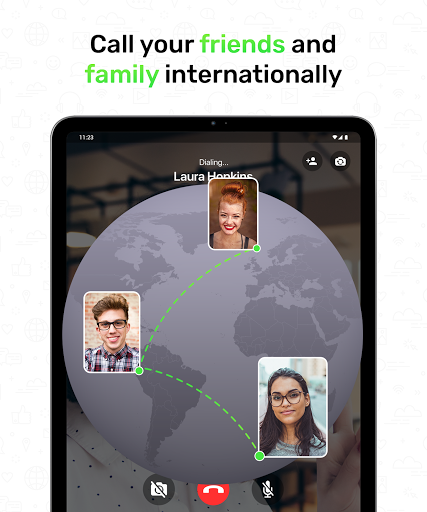
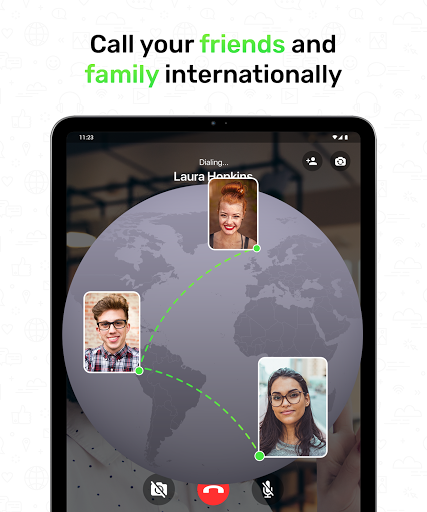
Group calling is easy to start and feels practical for family check-ins, but also for customer support and field coordination. The workflow stays simple during active conversations.
For high-value use cases, such as remote sales demos and subscription onboarding, the experience remains clear and usable. Video quality stays consistent while data usage remains controlled.
File sharing adds practical momentum to professional conversations. You can exchange photos, videos, and documents-like media while staying in the same call.
Privacy-conscious teams may appreciate that video data is transmitted directly between devices. That matters for regulated workflows, enterprise communication, and sensitive support interactions.
Overall, Video Call feels like a free option with enterprise-minded priorities. If you’re evaluating alternatives for secure video calling, it offers a focused feature set.
2. Four good points
1) Low internet data usage: It helps reduce bandwidth costs for long sessions, which is valuable for frequent users and teams budgeting connectivity.
p>2) Strong privacy design: Peer-to-peer networking supports a direct path between devices, aligning with secure communication expectations.3) Group calls: Invite friends to join quickly, making it useful for collaborative catch-ups and small team standups.
4) Video messages: Share moments when the other person cannot respond, which improves responsiveness for support, scheduling, and customer follow-ups.
3. Four bad points
1) Limited enterprise tooling: The app focuses on calling features, but lacks advanced admin controls that some enterprise services require.
2) File sharing scope: Sharing works well for media, yet larger document workflows may need dedicated document collaboration tools.
3) Subscription-ready workflows: It does not directly provide billing and account tools, so SaaS teams must pair it with separate platforms.
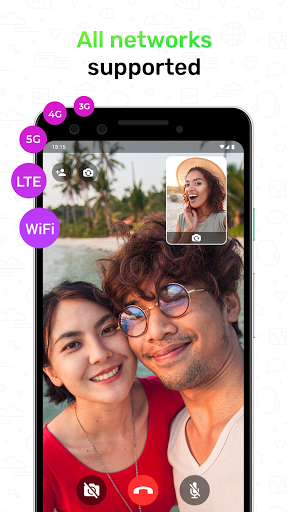
4) Connection variety dependency: Wide connection support is helpful, but call quality still depends on device performance and network conditions.
4. What’s new
1) Latest version improvements emphasize smoother call initiation, making it faster to join group calls during busy moments.
2) Video performance updates aim to keep high video quality while maintaining low internet data consumption on smartphones and tablets.
3) Ongoing privacy and stability refinements continue to strengthen peer-to-peer behavior and reduce disruptions during longer sessions.
4) Experience polish includes smoother media handling for shared videos and photos during calls, supporting everyday communication needs.


