

VIZIO
VIZIO App Info
-
App Name
VIZIO
-
Package Name
com.vizio.vue.launcher
-
Developer
VIZIO -
Category
Entertainment -
Updated
2026/03/11
-
Version
5.0.0.rc-3.20260311.20.release
1. Reviewer’s View: Turning a phone into a TV companion
VIZIO WatchFree+ positions itself as a high-value streaming gateway that works without owning a VIZIO TV, which matters for households comparing entertainment subscriptions and device ecosystems.
From a reviewer's perspective, the onboarding is fast: download the app, create a free VIZIO account, and immediately browse live channels like news, sports, and movies.
The promise of “watch anywhere” feels credible because the stream library stays accessible on mobile, even when you move between locations and networks.
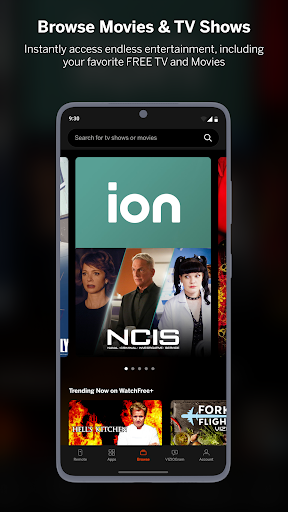
Channel discovery is helped by category jump navigation, which reduces time spent searching and improves how quickly viewers settle on something to watch.
A key usage moment appears when you want continuity: pick up where you left off when switching between a mobile experience and a VIZIO TV.
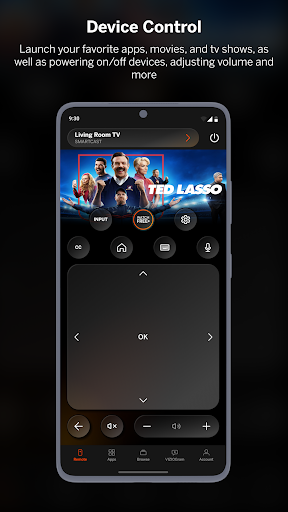
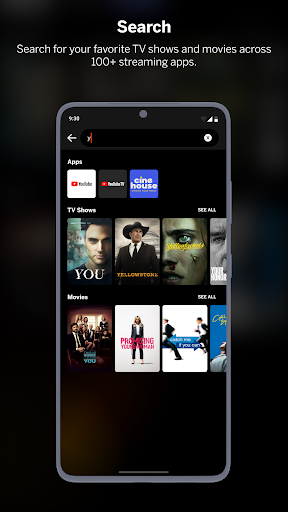
On the device-control side, the app tries to consolidate everyday actions, including universal search across streaming services and quicker access to entertainment controls.
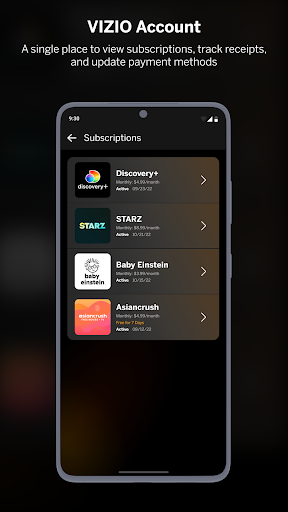
For audiences that manage multiple apps, the “save time, stream more” positioning aligns with how many people already handle subscriptions, credentials, and billing across services.
While the live focus is the headline, personalization is the real day-to-day feature, since favorites lists and recommendations reduce repeated browsing and help tailor viewing.
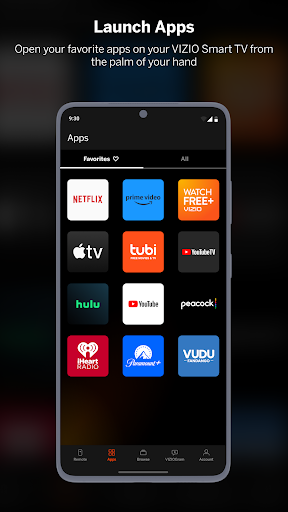
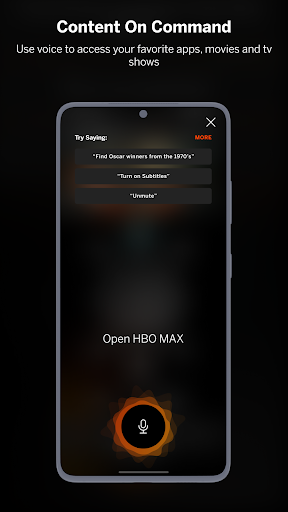
Voice control adds another layer of convenience, which is useful when hands are full or when you want a frictionless way to launch apps and find content.
Overall, the experience reads like a product built for recurring engagement, where advertisers and commerce-adjacent partners value measurable viewing habits.
2. Strong points worth noticing
First, the app offers 300+ free live channels, supporting a broad set of interests without requiring paid streaming subscriptions or extra hardware.
Second, personalization features are practical: favorites lists and recommendations help viewers narrow options quickly, which can improve retention for ongoing viewing.
Third, universal search and smart navigation reduce friction by consolidating discovery across services, useful for people juggling multiple streaming accounts.
Fourth, device and entertainment control makes the phone a hub, while soundbar controls such as volume, bass, treble, and preset modes add direct value.
3. Limitations that shape the experience
One limitation is the Multi-Room audio boundary: VIZIO Crave Speakers require additional supported audio products, so not every setup will meet expectations.
Another constraint is that streaming different songs to different speakers at the same time isn’t supported on a single device in one app session.
Content availability may vary by country and language, and service interruptions or updates can occur without notice, which matters for users planning consistent usage.
As with many free-streaming apps, third-party content and integrations depend on external services, so performance and availability can change.
4. What’s new: Upgrades in the latest version
The latest release emphasizes smoother navigation and faster discovery, aligning with category jump improvements and quicker access to what you want next.
There are also ongoing efforts to strengthen recommendations so the app adapts better to personal viewing habits instead of relying only on generic schedules.
Control workflows continue to be refined, supporting a more seamless shift between mobile playback and VIZIO TV continuity.
Finally, the experience is tuned for everyday convenience, from easier voice interactions to clearer audio adjustments, helping users get to entertainment with fewer steps.


