

Kahoot! Play & Create Quizzes

Kahoot! Play & Create Quizzes App Info
-
App Name
Kahoot! Play & Create Quizzes
-
Package Name
no.mobitroll.kahoot.android
-
Developer
Kahoot! -
Category
Education -
Updated
2026/09/28
-
Version
6.7.6
1. Reviewer’s View
Kahoot! Play & Create Quizzes feels like a lightweight learning platform that turns lessons into fast, friendly competition, whether you’re in a classroom, at home, or running training at work.
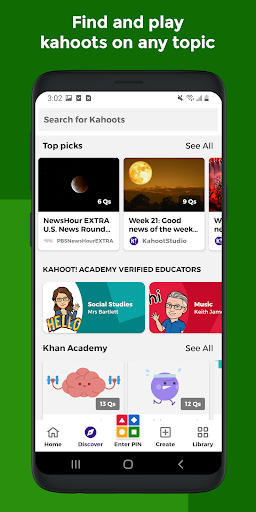
From a reviewer's perspective, the experience starts by choosing a ready-to-play kahoot or creating one. The onboarding is direct, and the interface stays simple while still offering creative control.
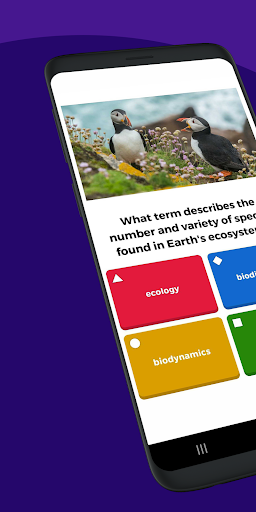
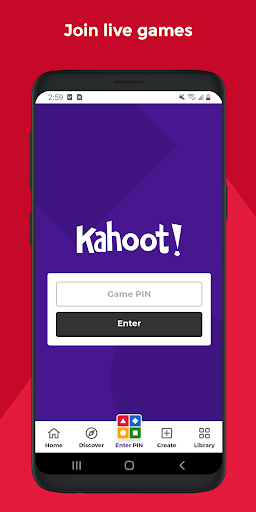
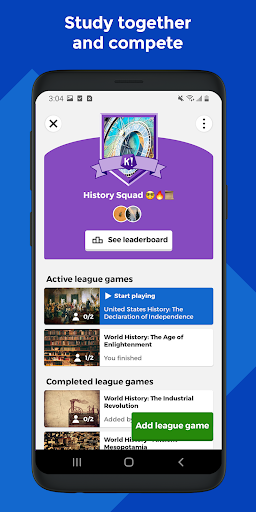
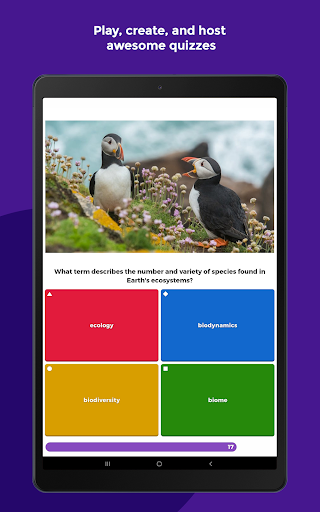
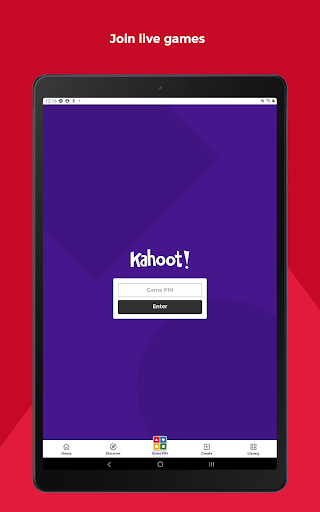
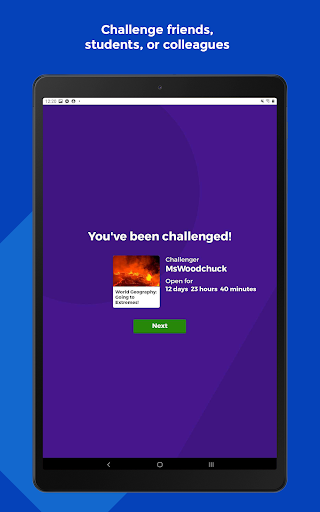
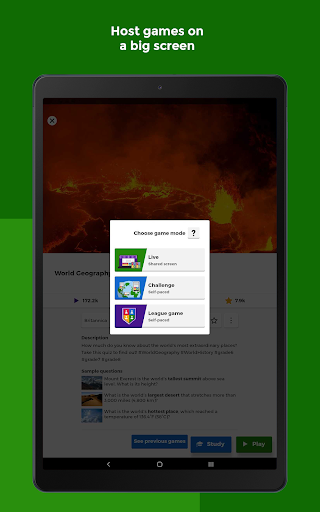
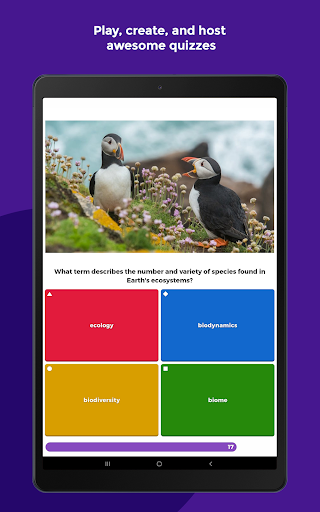
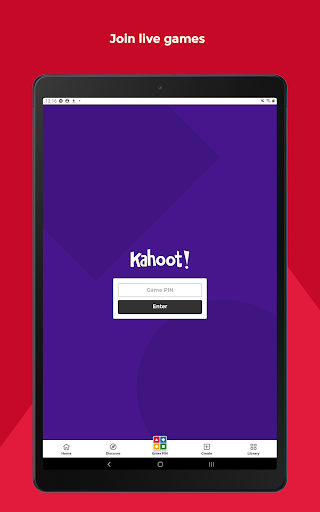
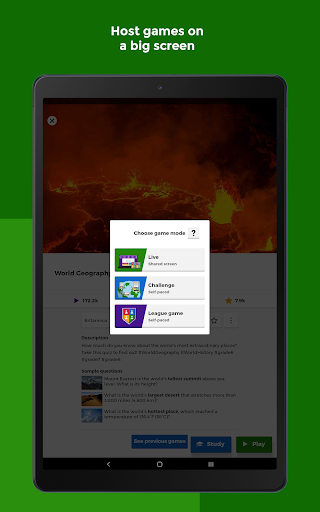
Live play is where the app shines. You can host in front of a group or virtually, then accept answers from participants through mobile devices, keeping momentum high.
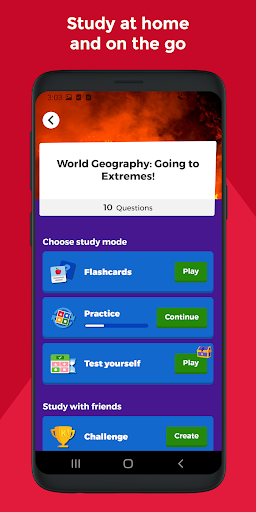
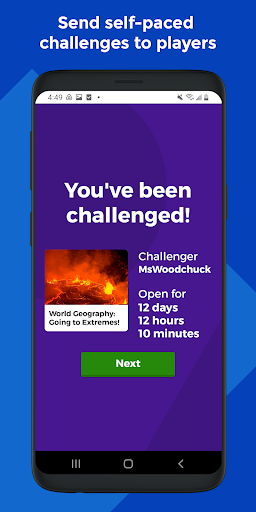
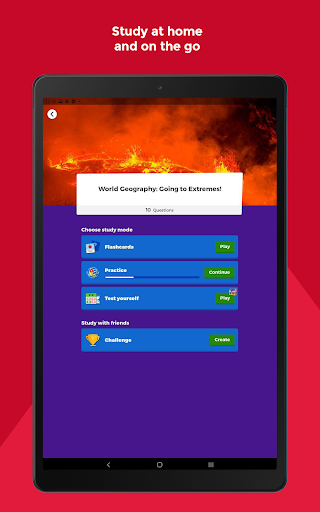
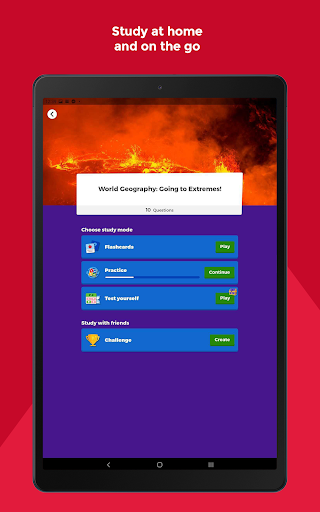
For studying, the app supports self-paced challenges and smart study modes. Flashcards and similar routines make it easier to review content without needing a full live session.
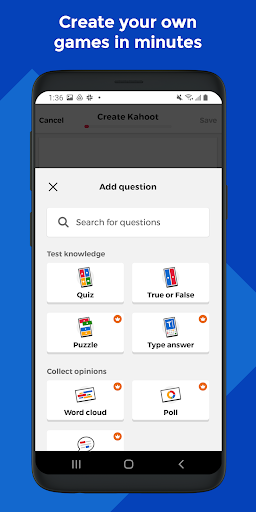
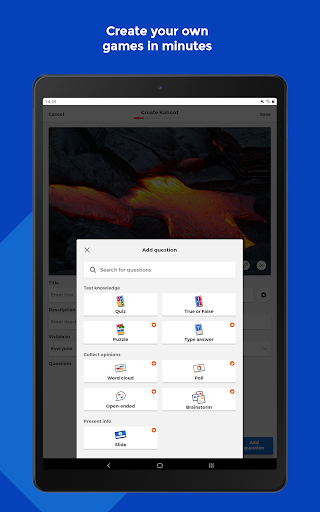
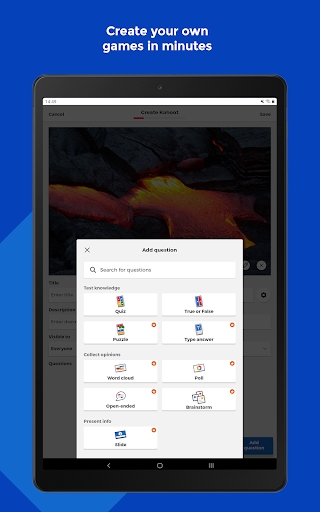
Creation tools are practical for teachers and internal trainers. You can mix question types, add media like images or videos, and adjust the experience to match your audience’s skill level.
In an enterprise training context, the app also supports engagement mechanics such as polls and word-cloud prompts. That matters for participation tracking and training feedback loops.
Because Kahoot! offers reports for teachers and business users, it can serve as a learning analytics layer, supporting better decisions about what to reteach or what to scale.
Premium upgrades are straightforward and optional. Advanced features for subscriptions can unlock bigger media libraries and more advanced question formats, including puzzles and open-ended prompts.
The app’s multilingual reach also affects adoption. Having English available, plus other supported languages, lowers friction for schools and distributed teams.
2. Four good points
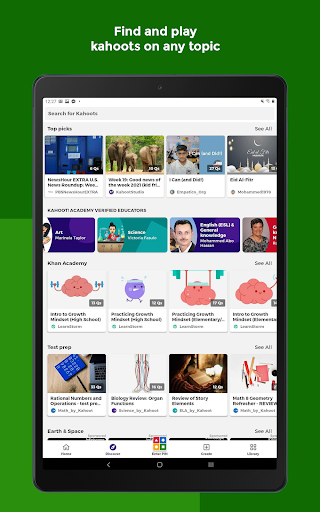
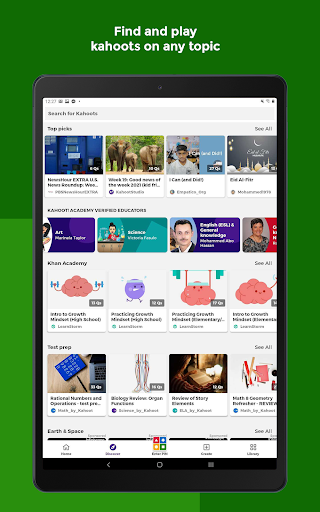
1) Ready-to-play content is easy to find. With millions of kahoots across topics, educators and trainers can start quickly without rebuilding materials from scratch.
2) Creation is flexible enough for different roles. Teachers, families, and office teams can design quizzes, add images or videos, and tailor interaction styles.
3) Live hosting is smooth and social. Casting to a big screen or screen sharing via video conferencing works well for remote sessions.
4) Premium learning value can be targeted. Optional upgrades for subscriptions let users unlock advanced question types and an image library when they truly need them.
3. Four bad points
1) Advanced tools tend to be tied to paid features. If you want the fullest question variety or large media access, you may need a subscription.
2) Live gameplay can feel time-pressured. Students may rush, and this can reduce depth for subjects that require longer reasoning.
3) Reporting is useful but not always detailed enough for every analytics workflow. Teams expecting deeper enterprise reporting may want exports or integrations that are more robust.
4) Question quality varies by creator. A library of millions helps discovery, but it also means you must curate what you use for high-stakes learning.
4. What’s new
In the latest version, Kahoot! continues expanding premium options for users who want advanced question types and richer media assets.
Upgrades also improve the overall quiz authoring experience, making it easier to combine formats like puzzles, polls, open-ended questions, and slides for more engaging sessions.
For schools and business training, the platform keeps strengthening the live-hosting workflow, supporting both in-person classrooms and distributed teams.
With ongoing improvements to usability and content presentation, the app keeps the “learning magic” feeling consistent across mobile play, study modes, and hosted review sessions.
Finally, the subscription pathway remains clear for users who need enterprise-grade engagement features, enabling more teams to standardize training experiences over time.


